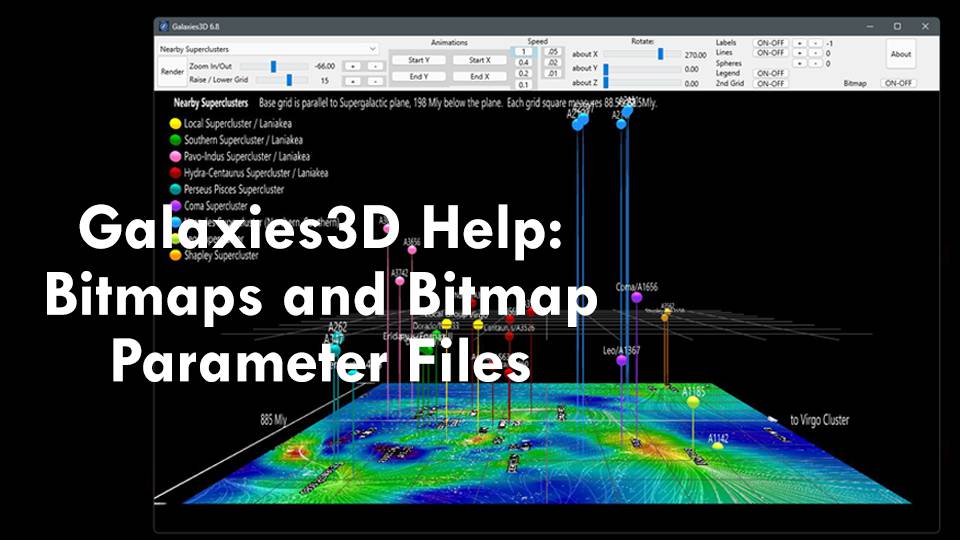
The Galaxies3D App

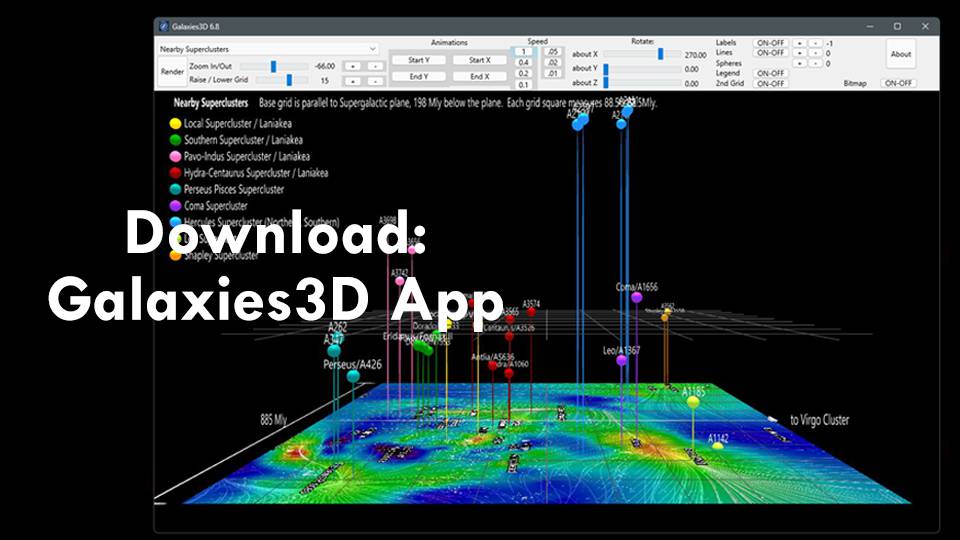
The Galaxies3D Windows version app can be installed from the Microsoft Windows App Store, or downloaded from this website as a zip file:

The Galaxies3D Mac OS version app is for arm64 Mac computers (newer Macs using Apple Silicon, late 2020 and beyond). The Mac OS version can be downloaded from this website as a DMG file (Mac OS disk image file). After downloading the DMG file, double click on it and then drag the Galaxies3D.app into your applications folder to install it (you can also simply double click on the Galaxies3D.app and run it). NOTE: When you first try to open the Galaxies3D app, you will get a dialog box saying app not opened because "Apple is not able to verify it is free from malware that could harm your Mac or compromise your privacy." You can still open the app by going to System Settings - Privacy & Security. Scroll down and you will see "Galaxies3D.app" was blocked to protect your Mac." Click "Open Anyway" button to open the app. Additional information from Apple can be found at this link.


Get the Galaxies3D App

Install the Windows version of Galaxies3D from the Microsoft Windows App Store
(free app)

Install Galaxies3D from the Microsoft Windows App Store (free app)

Download the Windows 64-bit zip file version of Galaxies3D
galaxies3d64_261027.zip

Download 64-bit version of Galaxies3D (Zip file)

Download the Windows 32-bit zip file version of Galaxies3D
galaxies3d32_261027.zip

Download 32-bit version of Galaxies3D (Zip file)

Download the MacOS arm64 dmg version of Galaxies3D
Galaxies3D_261027.dmg

Download the MacOS arm64 version of Galaxies3D (DMG file)

Notes:

  • The Microsoft Windows store version of Galaxies3D is the 64-bit Windows version
  • The zip files contains a folder that includes everything needed to run the Galaxies3D app:
    • the 32-bit or 64-bit Windows version of the Galaxies3D app ".exe" file, named "Galaxies3D.exe."
    • the Galaxies3D LIST.txt file
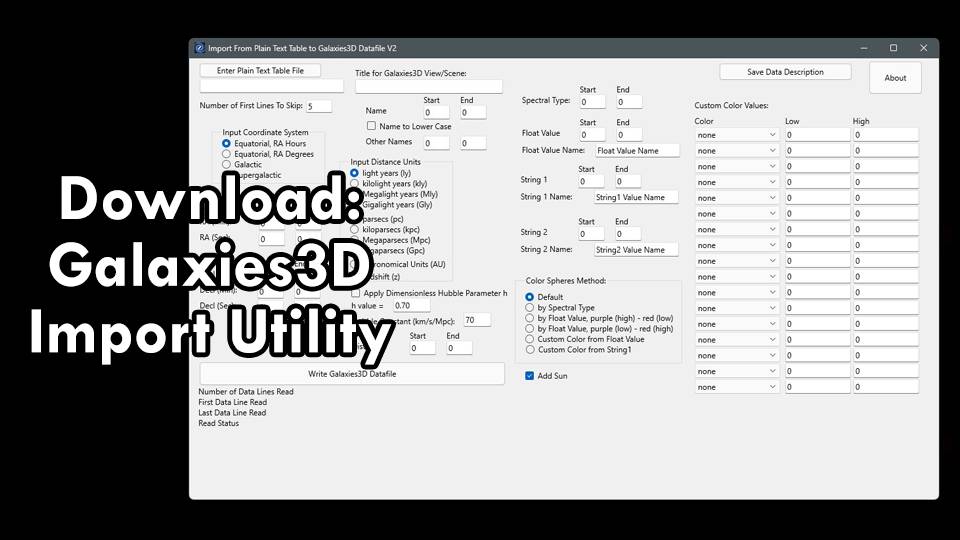
    • all Galaxies3D datafiles, bitmaps, bitmaps parameter files
  • The zip files are named "galaxies3d64_YYMMDD.zip" or "galaxies3d32_YYMMDD.zip" where YYMMDD refer to the year, month, and day of the version of the app and its datafiles, 64 and 32 to 64-bit or 32-bit versions of the app.
  • The Mac OS version is a DMG file (Mac OS disk image file). Double click on the downloaded DMG to see the Galaxies3D.app. Drag the app to the folder where you want to store it. The Galaxies3D LIST.txt file, and all the Galaxies3D datafiles, bitmaps, bitmaps parameter files can be viewed by right clicking on the Galaxies3D.app and choosing "Show Package Contents." The datafiles and bitmaps are stored in the "MacOS" folder under "Contents."


Download and Help Pages